
CTI phone integration

Connect your phone system to EGroupware: you dial from the address book in one click, and every call opens the CRM view with all of the customer's activities. Call lists, voicemail and calendar work hand in hand.

  • PlacetelSet-⁠up almost automatic
  • CRM viewFully informed on every call
  • Asterisk and AGFEOFurther systems can be connected
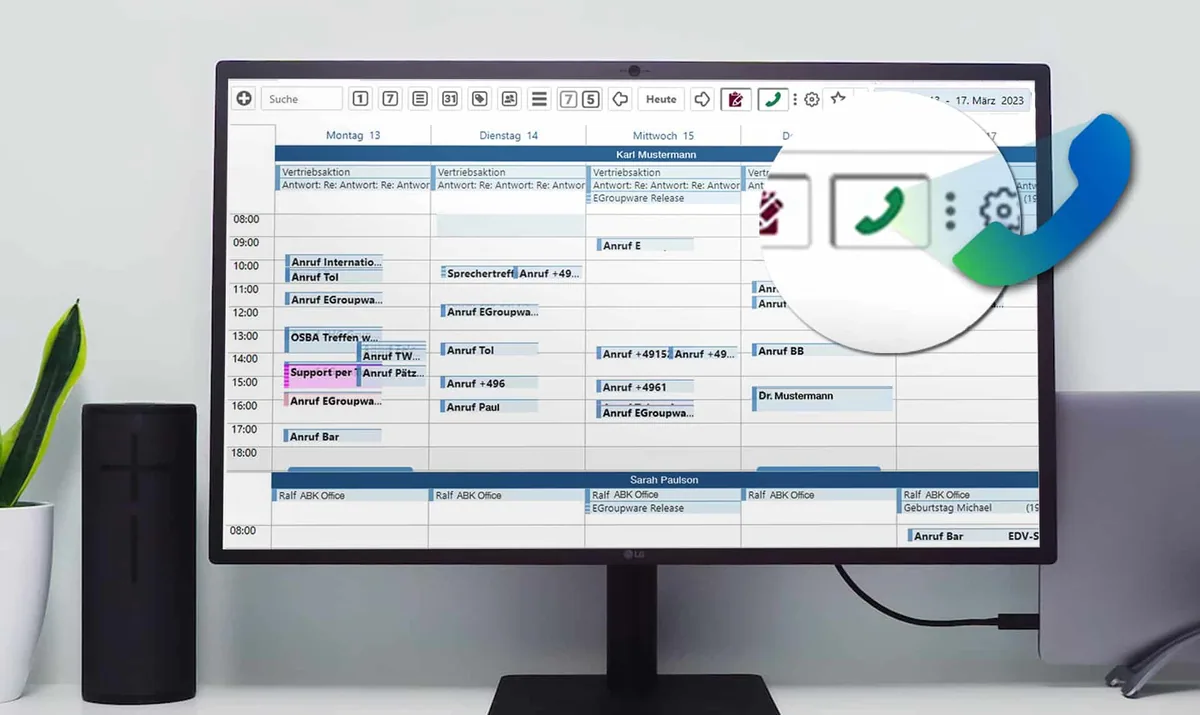
EGroupware calendar with logged calls and phone icon
SPECIALPhone integration highlight

Connect Placetel in a few minutes

For the Placetel cloud phone system, you only enter the credentials of your Placetel main account. EGroupware enters all the necessary URLs and tokens on both sides automatically, and you transfer the users to Placetel in one click from the user administration. From then on, every incoming and outgoing call opens the contact's CRM view.
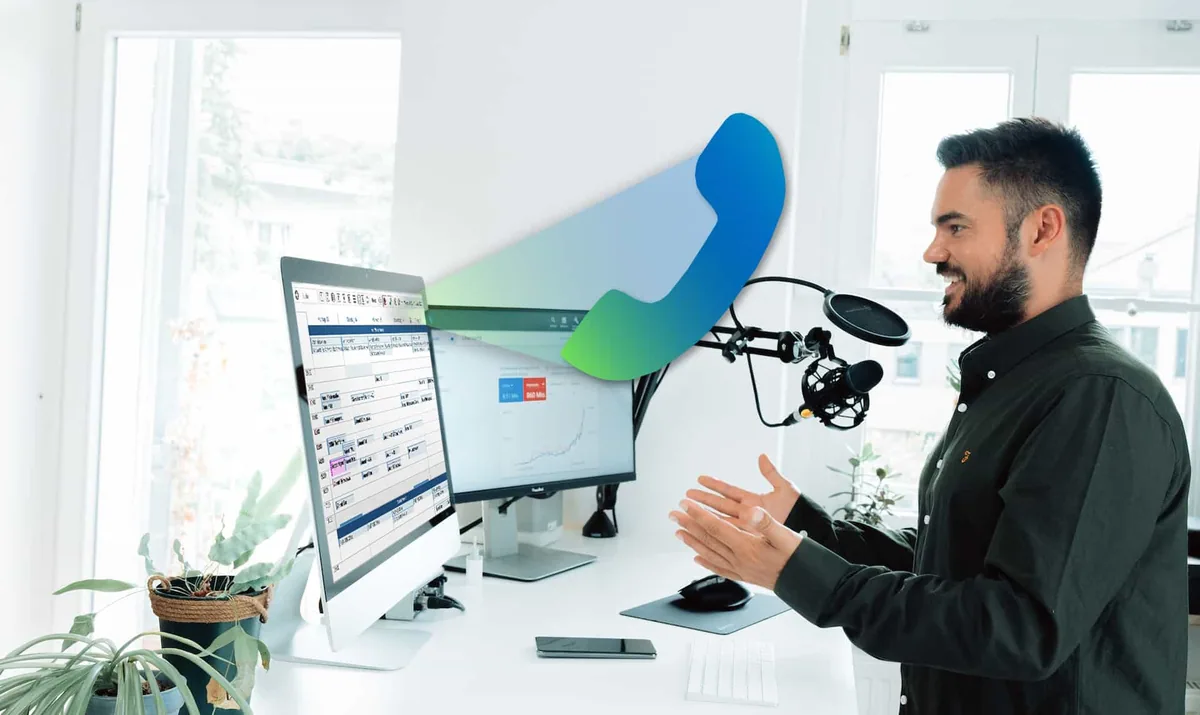
Employee on a call at his desk with EGroupware on the screen
Features

Phone calls with all the information

From clicking the number to documenting the call.

Click to call

Every phone number in the address book becomes a link. One click dials the customer – whether you prefer to talk via a headset or your normal phone.

CRM view on every call

On a call, the CRM view opens with the contact details and all active activities, whether ticket or task. From there you create a quotation directly and send it to the customer.

Call lists

The call list shows internal, outgoing and incoming calls with duration and linked contact. If you belong to a call group such as the switch­board, you also see its calls; further permissions are controlled via groups.

Voicemail and call-back

You listen to voicemail messages directly in EGroupware. Missed calls and unknown numbers are called back in one click.

Calls in the calendar

If you wish, your calls appear in the calendar. From a call you create a timesheet entry and link it to the customer or project.

See who is on the phone

The status bar shows whether a colleague is on the phone or free. So you do not transfer calls into thin air.

Phone systems

Placetel, Asterisk, AGFEO and more

Besides Placetel, you can connect Asterisk-based phone systems: the integration uses the Asterisk REST API (ARI), receives call events, shows the CRM view and can record calls. Classic systems such as AGFEO are connected via the CTI interface, and you dial from EGroupware in one click. Other phone systems are possible too but need more set-⁠up on both sides – just ask us; we support you with the integration against a support budget.

Documentation in the wiki

CTI phone integration with AGFEO

Webinar recording on CTI integration (in German)

Follow-⁠up webinar on setting up Placetel (in German)

Phone integration at a glanceCTI
Systems
Placetel, Asterisk, AGFEO, others on request
Interface
Asterisk REST API (ARI) for Asterisk
Calls
Call list, calendar, CRM view
Edition
Outgoing calls in the Community Edition too, phone system integration in the Enterprise Line
Available
Since EGroupware 21.1
Related

Works together with

Frequently asked questions about phone integration

Which phone systems can be connected?

The Placetel cloud phone system is especially easy. Asterisk-based systems and AGFEO can also be connected. For other systems, ask us whether an integration is possible.

Do I need a special phone?

No. You dial in EGroupware with one click and talk either via a headset or your normal phone.

Is the phone integration included in the Community Edition?

The basic functions for outgoing calls are also available in the Community Edition. Connecting phone systems is one of the Enterprise Line functions.

Can I listen to voicemail in EGroupware?

Yes. If someone has left a message, the call list shows it straight away, and you play the message in EGroupware.

Try EGroupware free for 30 days

No installation, no risk: request cloud access, invite your team, get going. We are also happy to walk you through the platform in a personal demo first.