
EGroupware tailored to your organisation
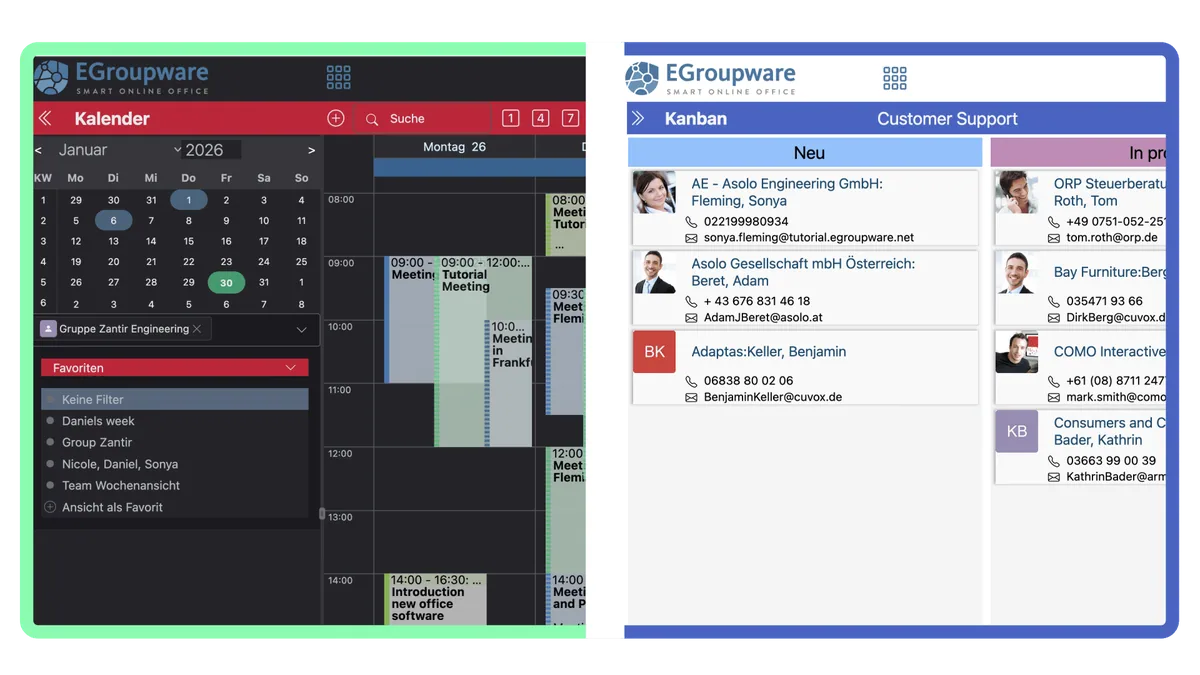
Adapt the colours of the applications and the login page to your corporate identity or background image. You also choose between the rounder "Glossy" design and the classic design and set the font size.
The most important new features of the current version, EGroupware 26 – and where to find documentation on installation, customisation and interfaces.
Adapt the colours of the applications and the login page to your corporate identity or background image. You also choose between the rounder "Glossy" design and the classic design and set the font size.

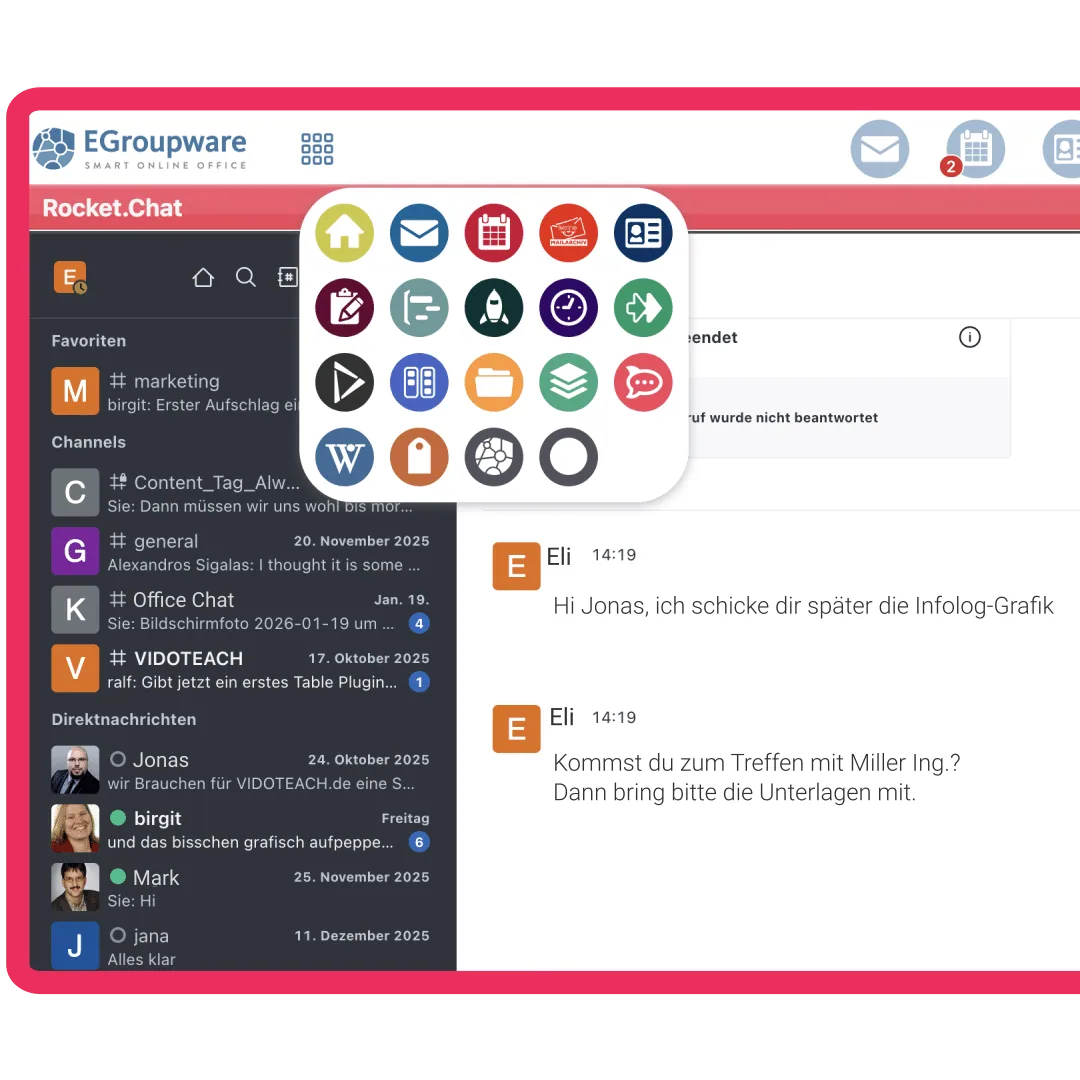
The central app chooser takes you straight to every application – compact as icons or with labels. Change the order of the applications simply by dragging, so the most important ones are always first.

Lists, views and dialogs adapt to the screen size. Clear headers in every application, filters in a drop-down menu and a reduced side menu give you a better overview.
Navigation, lists and the login page have been redesigned for screen readers and keyboard use. Dialogs open either in the main window or, as before, in a separate window.
AI tools in all text fields and the email editor, plus a search across all applications that combines full-text and semantic search – only if you switch it on.
Instead of one big version a year, improvements and new features arrive continuously, with new version numbers such as 26.10. You use new features as soon as they are ready.
Release notes, guides and technical documentation for users, administrators and developers.
Custom translations, custom fields and customised dialogs (eTemplates) – update-safe, too.
Connect and automate contacts, calendars, tasks, email, timesheets, helpdesk and invoices via the REST API. With OpenAPI descriptions, for example for AI agents and automation tools.
Install or update EGroupware 26 on your own server – via package or Docker.
All versions with changes and security updates on GitHub.
Announcements of new versions, questions and answers from the community.
Step-by-step guides, for example on synchronisation and setting up email.
In the cloud you always work with the current version. Try it free for 30 days – or see it right away in the online demo.