


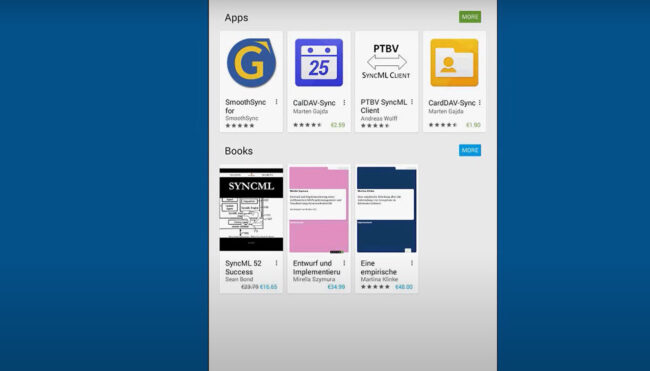
Synchronisation – Android
A step by step guide to synchronise EGroupware with Android smart phone or tablet.
A step by step guide to synchronise EGroupware with Android smart phone or tablet.
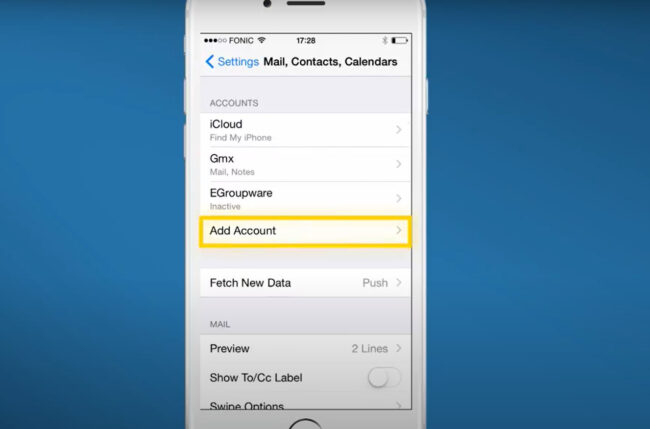
A step by step guide to synchronise EGroupware with iPhone or iPad.

Our tutorials show how to install the EGroupware Enterprise Line or Community Edition. Furthermore, we offer a video about the installation of EGroupware in a ProfitBricks data center.
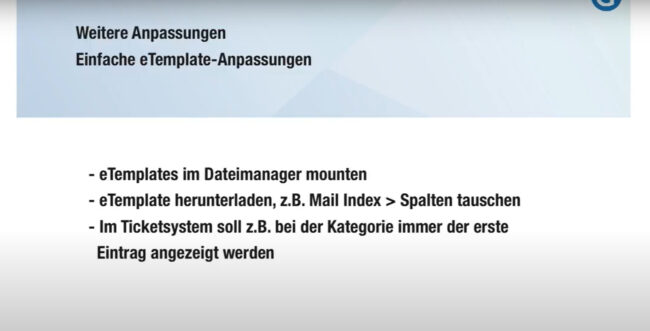
How to customize EGroupware perfectly to the needs of my company – without any programming
Stylite AG is happy to announce the first 16.1 release candidate. 16.1 contains many new features and improvements, just to name a few: * Calendar: complete rewrite of user interface for improved functionality, drag&drop, context menu * Mobile: new mobile phone and tablet user interface, offering compact display for mobile phones * Desktop: new brighter desktop template,…
Mostramos un avance de la versión 16.1 de EGroupware, centrado en el nuevo calendario, la plantilla móvil y varias mejoras de diseño. Explicamos cómo trabajar más eficazmente con la versión 16.1 y respondemos a las preguntas de los usuarios de EGroupware.
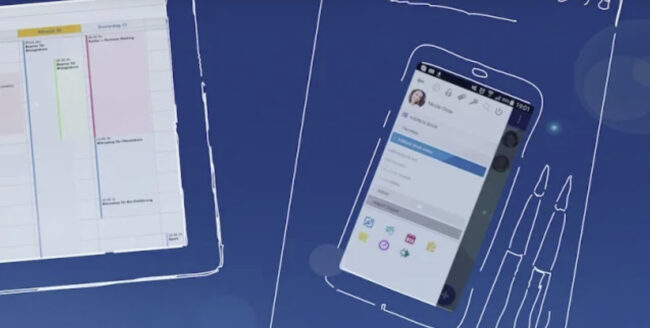
We show a preview of EGroupware version 16.1, focus on brand new calendar, mobile template and various design improvements. We explain, how you work more efficiently with 16.1 and answer EGroupware users questions.
The EGroupware team answers live customer questions – Our topics this time:
Mail, calendar, address book, project manager and file manager.
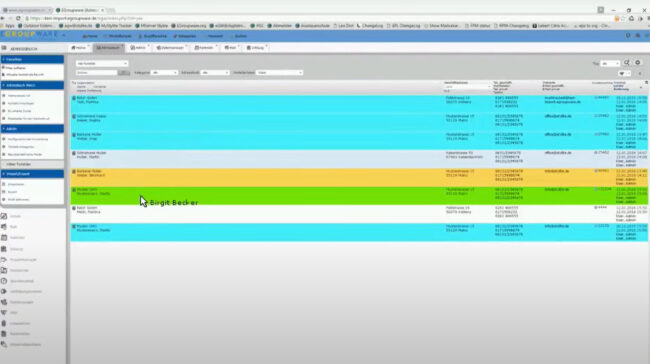
How do I use placeholders for personalised serial e-mails?
How do I work more efficiently with pre-formulated mails?
Our support team is always happy to answer questions about serial e-mails.