

EGroupware 16.1: The new Calendar
ARCHIVE This post dates from 2016. Features, versions, prices and links reflect the situation at that time.
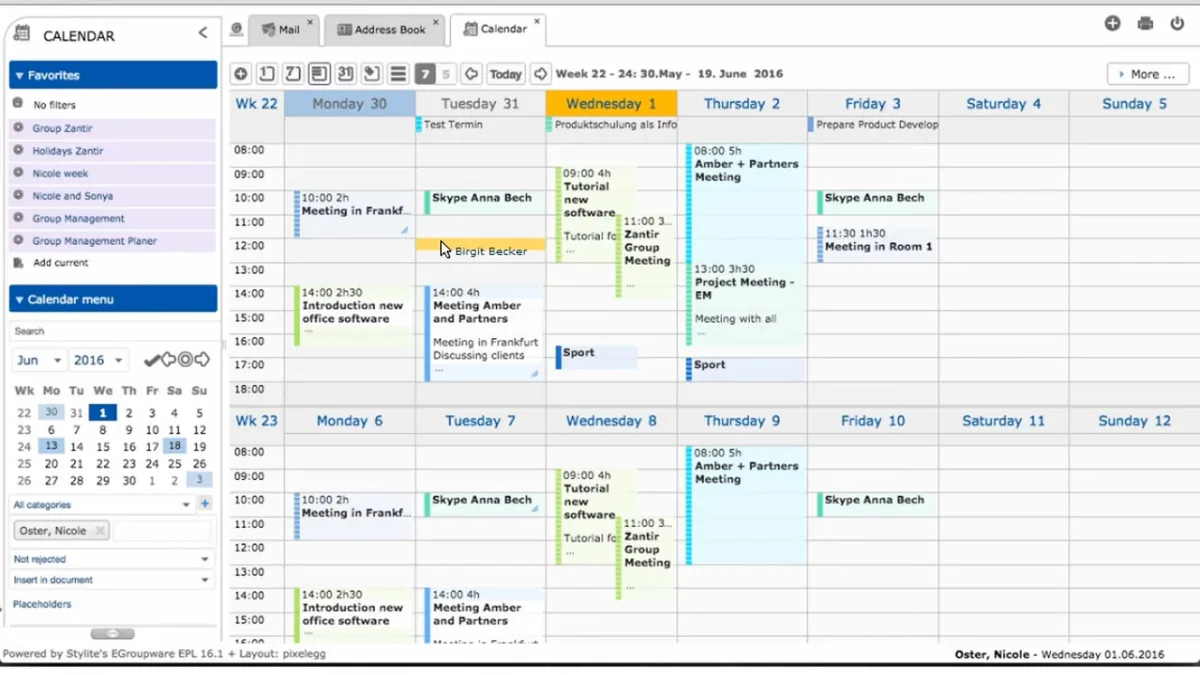
How to use the Calendar in Version 16.1? How to work with the new toolbar? More efficiency with the new context menu?
Web training 01.06.2016
- How to use the Calendar in Version 16.1?
- How to work with the new toolbar?
- More efficiency with the new context menu?
- How to use color codes for categories?
- How to display a 5 day week?
- We show, how you work more efficiently with EGroupware´s new Calendar!
If you need any help with EGroupware, contact us.
More Webinars