


Fresh & responsive design
Discover the modern component-oriented web framework.
Customizations for look and feel
Customize EGroupware to suit your organization.
AI support and hybrid search (full text & RAG)
Use secure AI when writing texts. Search faster with the cross-application search feature of the RAG app.
Significantly improved accessibility
Navigation and lists optimized for screen readers.
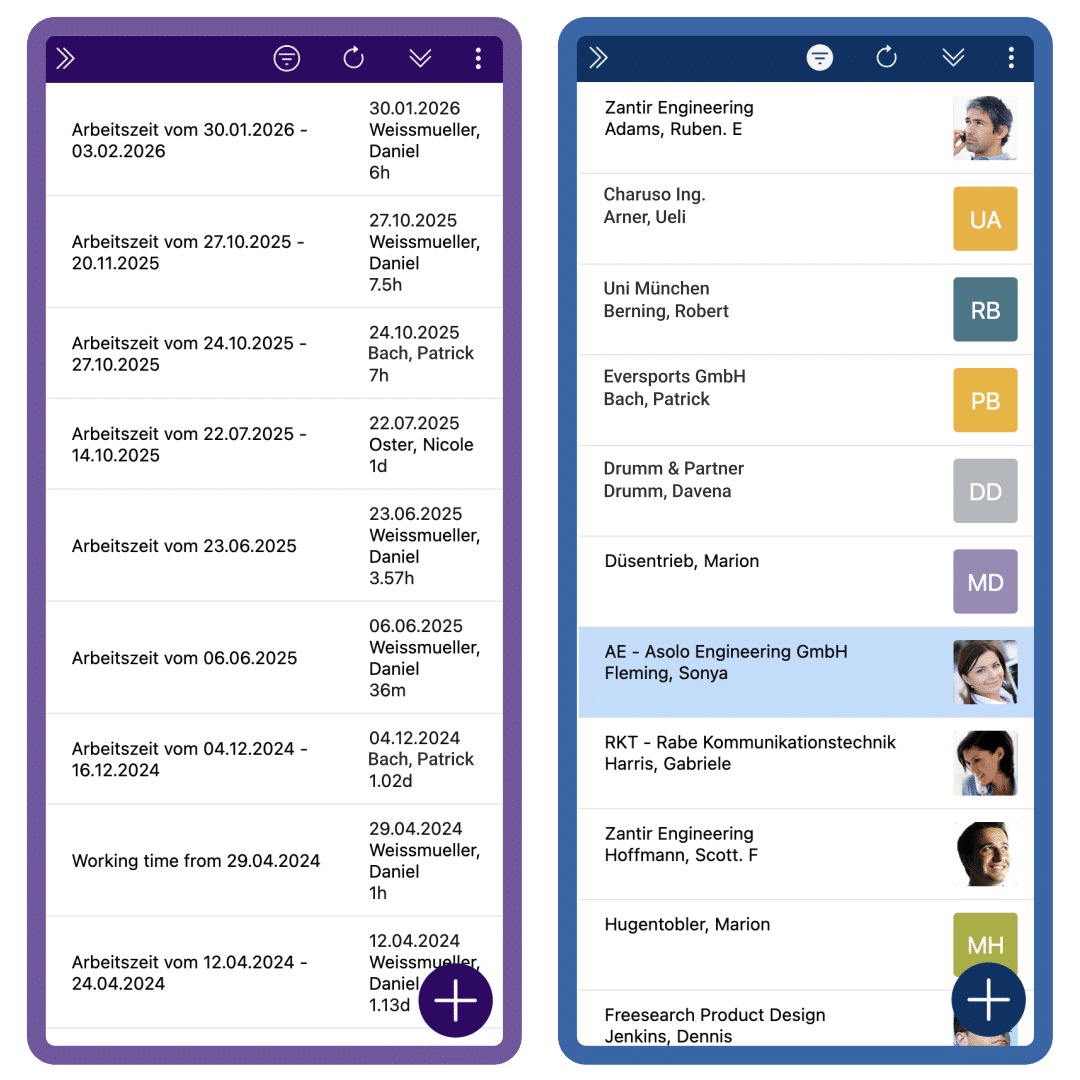
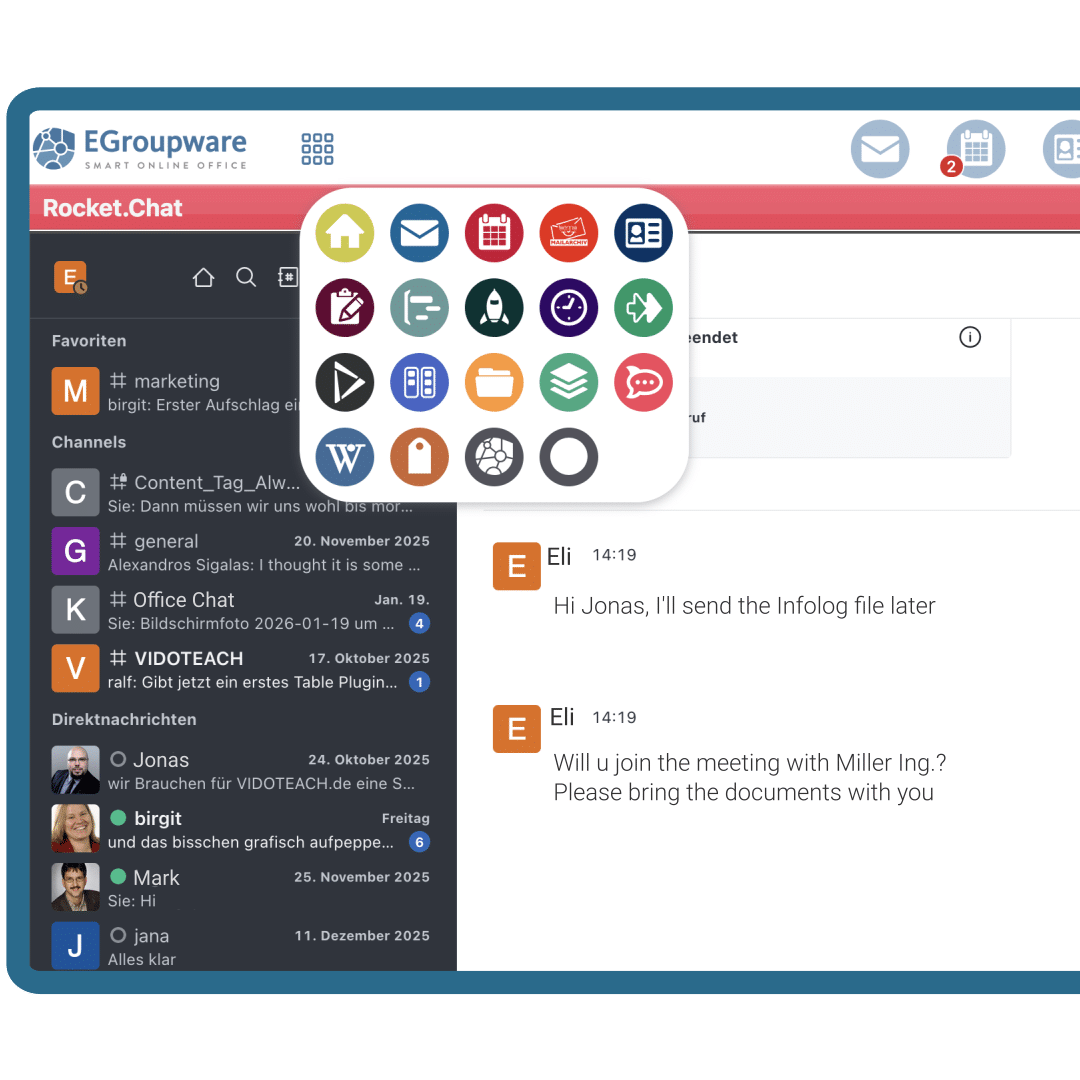
Fresh Design
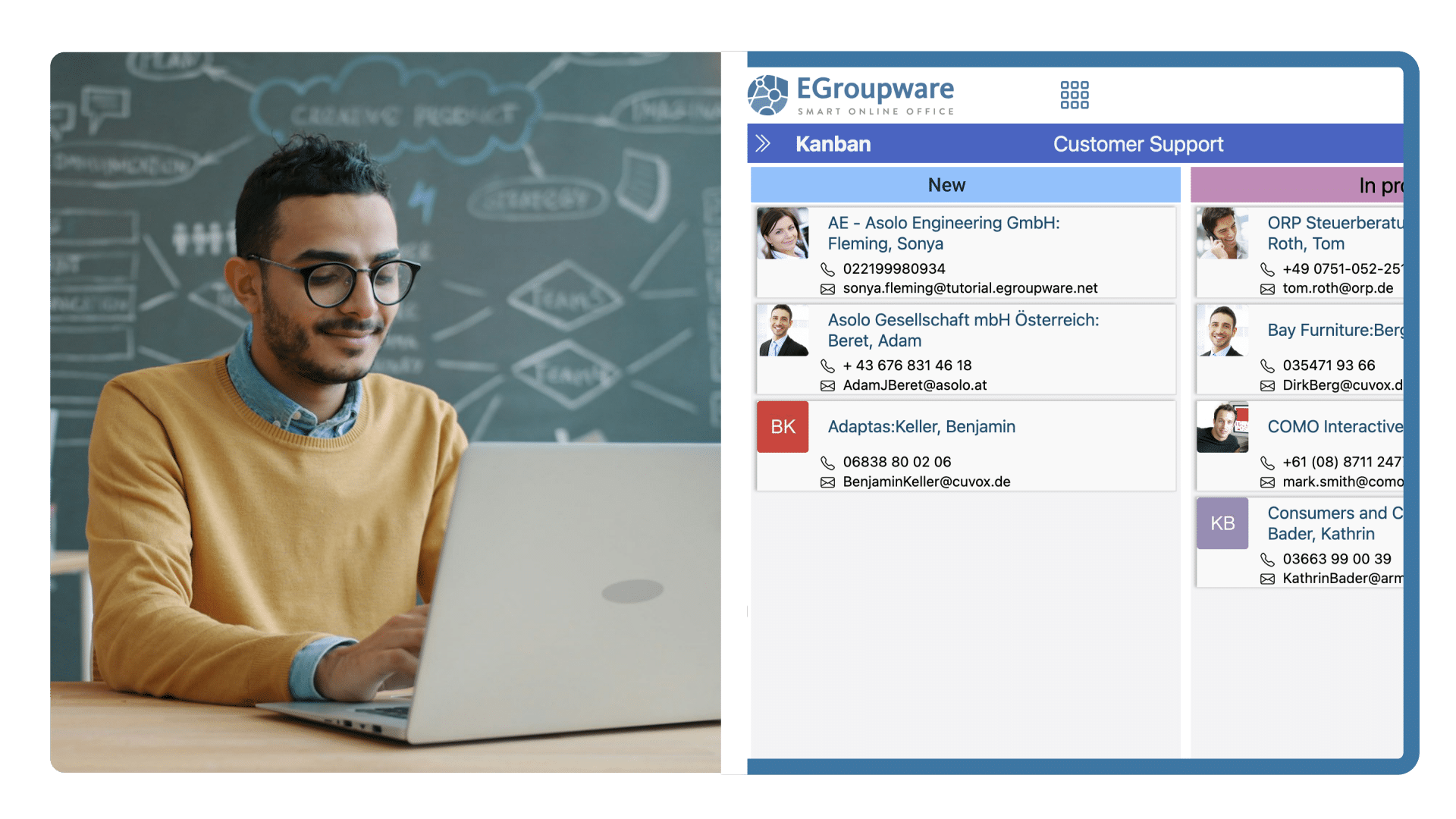
Discover the modern component-oriented web framework – fully responsive. New central app chooser, to find all apps even quicker. Clearly defined app headers & a reduced sidebar for a better overview.
Make it fit
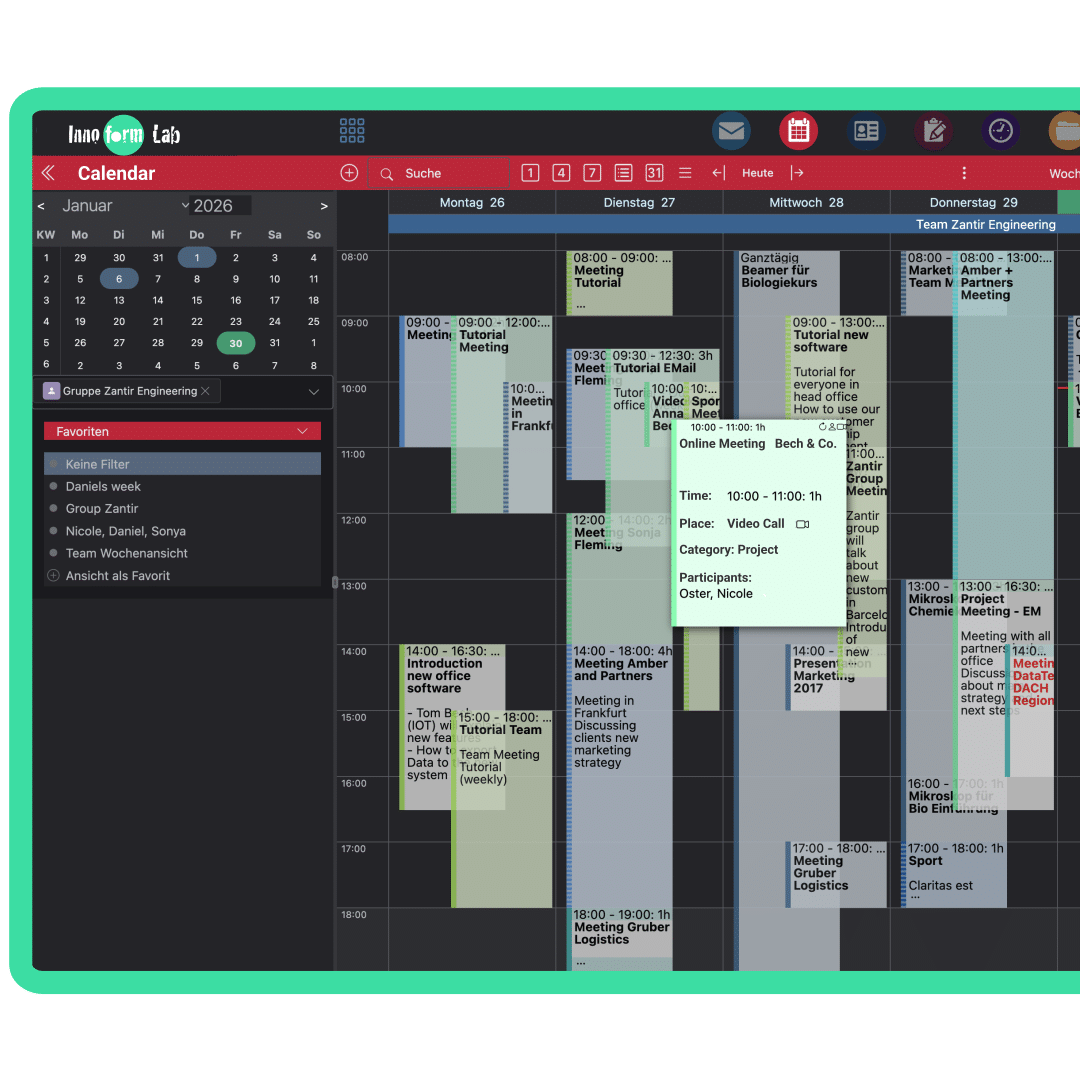
What’s new? Set the order and color of apps, customize the color of the login box. New app chooser, available in a compact mode or with descriptions. Choose between a glossy design theme or the classic design.
AI support from now on
Hybrid search
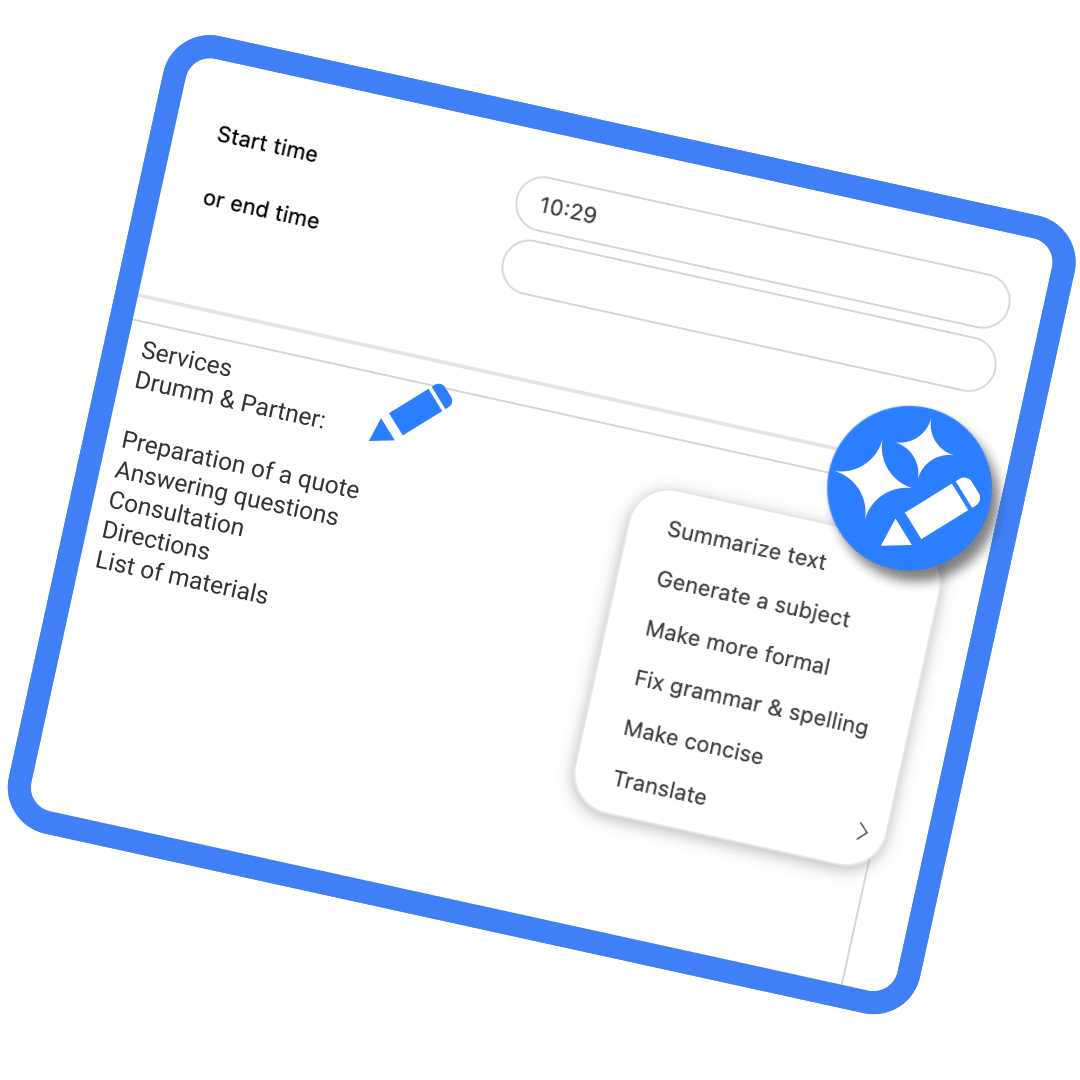
AI tools for emails and text fields
AI support with hybrid search (full text & RAG)
The RAG application provides a cross-application search and combines classic full-text search with a semantic search based on retrieval-augmented generation (RAG). Both search types are indexed separately and can be configured independently of each other or used together as a hybrid search. The new default setting for the search is full-text search, but it can also be reset to legacy search! Full-text & RAG require time to build the corresponding database tables and increase storage space.
AI tools for emails and text fields
In addition, you can access AI tools via an icon in the navigation bar in all multi-line text fields and in the rich text editor, e.g., when composing emails or Infolog entries. They assist in translating, rephrasing, and stylistically adapting texts, as well as in creating responses. Alternatively, the DeepL service can also be used for translations.
Use of full-text search, RAG, and AI tools
As with all applications, use is subject to the access rights (execute) that we set by default for the default group AND the configuration of the AI connection. We offer an AI proxy service that runs on IONOS AI models and is automatically charged according to budget. DeepL can also be used for translations via this service.
Screenreaders welcome
Navigation, list views, and the login page
Significantly improved accessibility
Navigation and lists optimized for screen readers: Navigation, list views, and the login page have been specifically redesigned for screen reader and keyboard use. Dialog boxes can remain in the main window or continue to open as pop-ups.
0
Years of experience
0
Applications
0
Downloads