Connect your team
Smart Online Office
Connect your team
Manage tasks and contacts
Preserve your digital sovereignty at any time
New: EGroupware 26

The powerful Open Source Groupware
EGroupware is the online office for maximum digital sovereignty. Secure thanks to open source and “Made in Germany”. Development, hosting and support take place in Germany. Support is available in several languages.
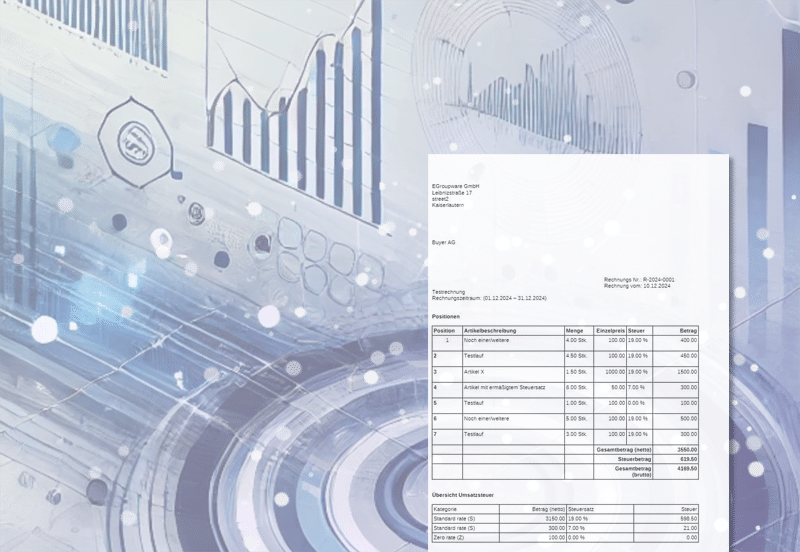
Create and receive legally compliant e-invoices
EGroupware will offer an application for mandatory e-invoicing in Germany starting in 2025. It supports the XRechnung and ZUGFeRD formats in compliance with EU standard EN 16931.
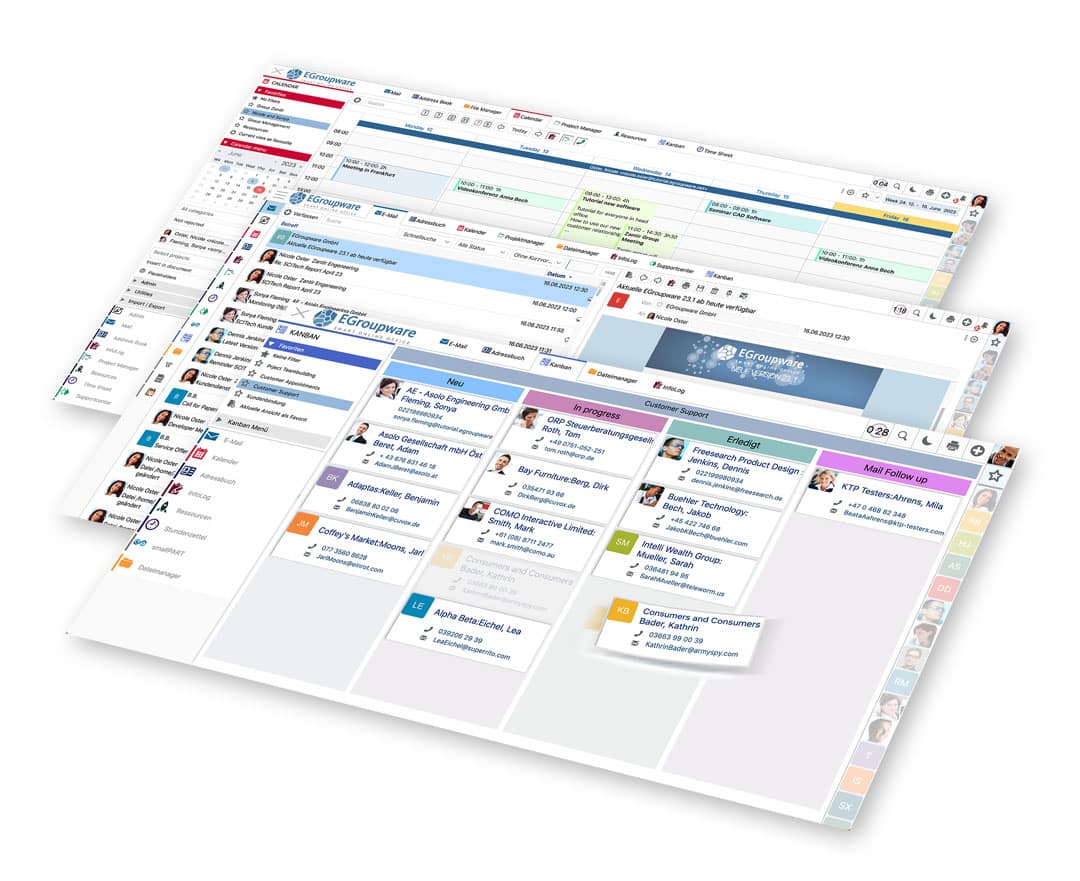
What is EGroupware?
EGroupware – smart online office
EGroupware offers an online calendar for appointment management, contact management with CRM, tasks, emails and project management, as well as an online file server. These basic functions are supplemented by the integration of chat, video conferencing and remote desktop modules to create a sophisticated home office solution.
The groupware networks all information on an online company platform that runs in any desktop browser, independent of the operating system. In its mobile version, it also runs nicely on smartphones and tablets.
Test now 30 days for free
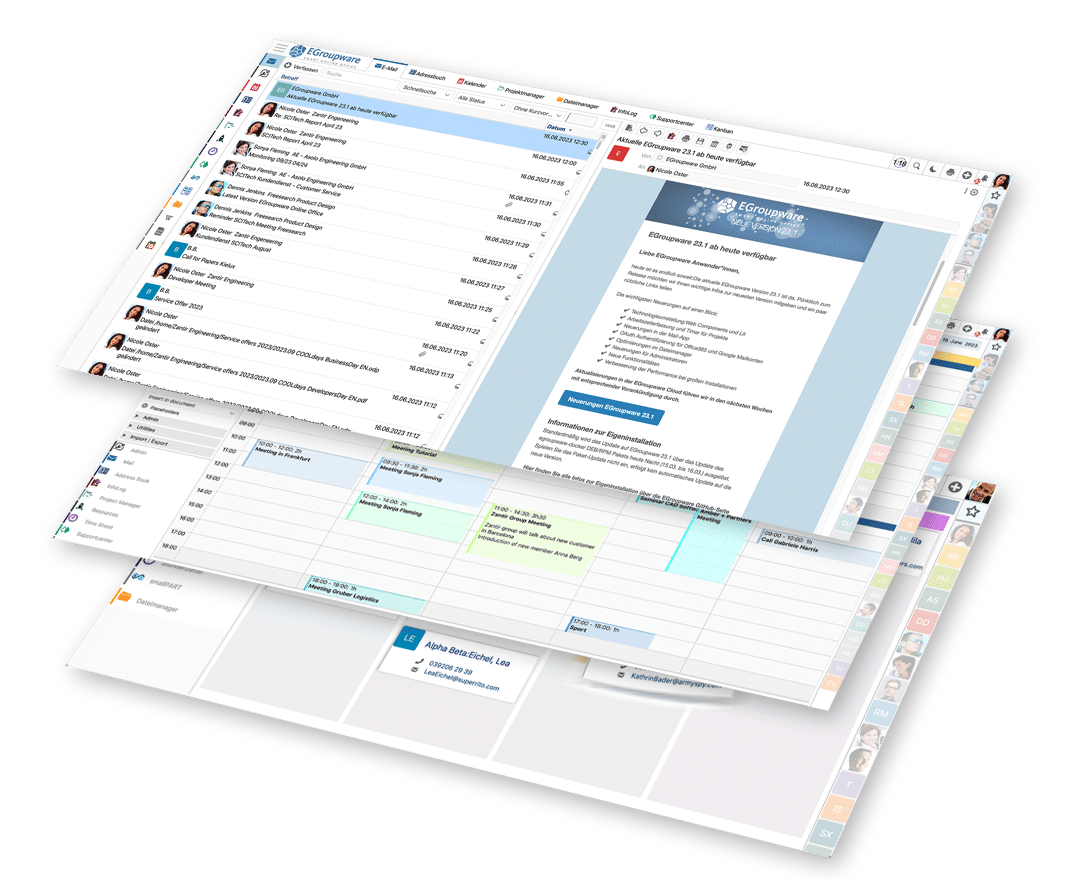
Scalable Online Office
EGroupware is equally suitable for SMEs (small and medium-sized enterprises), city administrations or even universities, education and research institutions. You recieve an open source software with an agile software development – focused on customer requirements and supplemented by developments of the community.
More than 10.000 users

Michael Grau
Institut für Prozessoptimierung und Informationstechnologien
For me the EPL is by far the best groupware suite on the market! It is easy to set up,…
read more

Michael Engelhardt
Managing Director of IGU Tragwerksplanung
The decision for the EPL was based on a study published by the Fraunhofer-Gesellschaft, which was a very good decision-making…
read more

Alexander Neofitidis
System Administrator Henze-Glas GmbH Hörden in the Harz
Due to a complete failure of the previously used software and the 100% data loss, we were forced to look…
read more